Crafting a Functional and Organized Desk Setup: An Educational Guide
In 2026, as hybrid work models and remote learning continue to shape our daily routines, the significance of a well-organized and functional desk setup has never been more pronounced. A thoughtfully arranged workspace transcends mere aesthetics; it directly influences productivity, focus, and overall well-being. This guide explores the fundamental principles and practical strategies for creating an optimal desk environment that supports sustained engagement and efficiency, free from commercial endorsements.
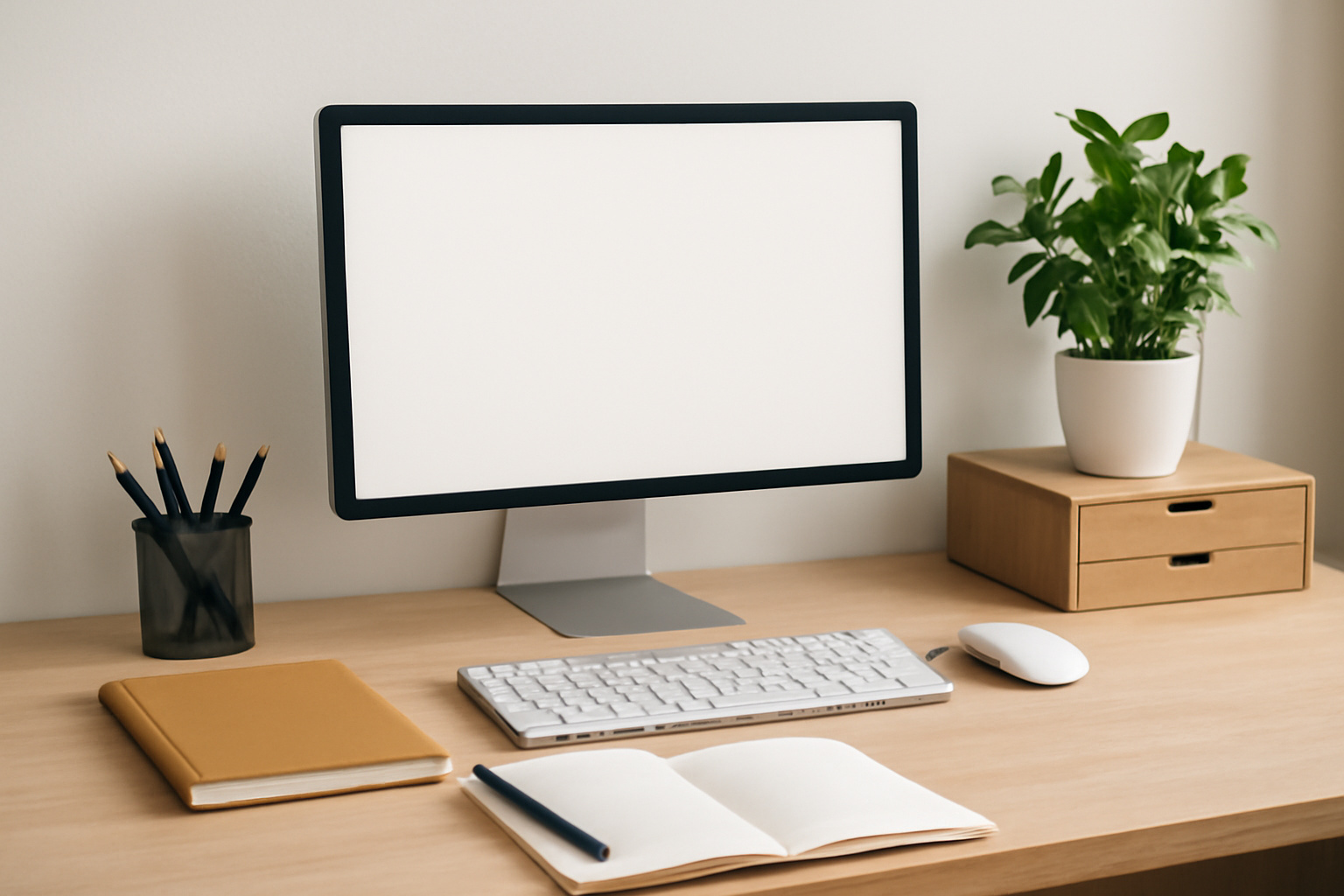
Creating a functional and organized desk setup is a process that involves understanding your personal workflow, optimizing available space, and considering the long-term implications for your productivity and well-being. In 2026, with the continued prevalence of remote work and flexible learning environments, the home office or study area has become a central hub for a multitude of activities. A well-designed desk setup can significantly impact focus, efficiency, and mental clarity, transforming a potentially chaotic space into a conducive environment for concentration and task completion.
Understanding Workspace Needs and Personal Workflow
Before making any physical changes to your desk area, it is crucial to take stock of your individual needs and work habits. This involves a period of observation and self-assessment. Consider the types of tasks you perform most frequently. Are you primarily engaged in digital work, requiring extensive screen time and keyboard use? Do you frequently refer to physical documents, necessitating ample clear surface area and storage for paper? Do you engage in creative pursuits that might require specialized tools or materials?
Task Analysis: Break down your daily or weekly activities into categories. For example, if you spend a significant portion of your day attending virtual meetings, consider the positioning of your camera and microphone. If you are involved in extensive writing, the ergonomics of your keyboard and mouse placement become paramount. For individuals who juggle multiple projects, a system for categorizing and accessing relevant materials is essential.
Space Evaluation: Assess the dimensions of your current desk and the surrounding area. Is the desk surface sufficiently large to accommodate your essential tools without feeling cramped? Is there adequate natural light, or will artificial lighting be a primary consideration? The placement of your desk within the room can also influence your focus; for instance, facing a wall might reduce distractions compared to facing a window with an active view.
Ergonomic Considerations: This is a cornerstone of a functional setup. The goal is to minimize strain and promote a healthy posture. Key elements include:
- Chair Height: Your feet should be flat on the floor, with your knees bent at approximately a 90-degree angle.
- Desk Height: When seated, your forearms should be parallel to the floor when typing, with your elbows at about a 90-degree angle.
- Monitor Placement: The top of your monitor screen should be at or slightly below eye level, and it should be positioned at arm's length. This helps prevent neck strain.
- Keyboard and Mouse: These should be placed close to your body to avoid overreaching.
Investing time in understanding these personal workflow elements will lay the groundwork for a desk setup that is not only organized but also genuinely supports your daily activities.
Optimizing Desk Layout and Organization Strategies
Once you have a clear understanding of your needs, the next step involves implementing strategies for layout and organization. The objective is to create a workspace that is efficient, reduces visual clutter, and makes essential items easily accessible.
Zone Creation
Divide your desk into functional zones to manage different types of activities. Common zones include:
- Primary Work Zone: This is the central area where your computer, keyboard, and mouse are located. It should be kept as clear as possible to allow for comfortable movement and focus.
- Reference Zone: This area is for items you access frequently but not constantly, such as notebooks, a planner, or essential reference materials.
- Supply Zone: This zone is for tools and supplies used less often, like pens, staplers, or notepads. Utilize desk organizers for this area.
- Peripheral Zone: This area can house items like a lamp, a plant, or personal items that add to the ambiance without creating clutter.
Storage Solutions
Effective storage is vital for maintaining an organized desk. Consider both on-desk and off-desk solutions:
- Desk Organizers: Trays, pen cups, and drawer dividers can help compartmentalize smaller items. Vertical organizers can be particularly useful for maximizing space.
- Drawer Inserts: If your desk has drawers, using inserts can prevent items from becoming jumbled and make it easier to find what you need.
- Monitor Stands with Storage: Many monitor stands incorporate shelving or drawers, providing additional space for small items or devices.
- Wall-Mounted Shelving: For smaller desks or areas with limited surface space, consider using nearby wall space for shelving to store books, files, or decorative items.
- Cable Management: Tangled cords are a common source of visual clutter and can be a tripping hazard. Utilize cable ties, sleeves, or clips to keep cords tidy and out of sight. This can significantly improve the aesthetic and safety of your workspace.
Decluttering and Minimalism
A fundamental principle of organization is the regular practice of decluttering. Every item on your desk should serve a purpose. Periodically review the items on your desk and in your immediate vicinity. Ask yourself if each item is essential for your current tasks or if it is a past item that no longer serves a function. Items that are no longer needed should be filed, archived, or discarded.
Embracing a degree of minimalism can also be beneficial. This doesn't necessarily mean having an empty desk, but rather having only the items that are actively used and contribute to your productivity. Consider rotating items that are used seasonally or for specific projects to keep the primary workspace clear.
Long-Term Considerations for Workspace Sustainability
Establishing an organized desk setup is not a one-time event; it requires ongoing attention and adaptation. Several long-term factors contribute to the sustainability and continued functionality of your workspace.
Maintenance and Regular Upkeep
The most organized desk can quickly devolve into chaos without consistent maintenance. Schedule brief, regular periods for tidying up. This could be at the end of each workday, or perhaps a more thorough session once a week. The goal is to prevent clutter from accumulating to a point where it feels overwhelming to address. This includes:
- Putting items back in their designated places.
- Discarding or filing any accumulated papers or notes.
- Wiping down surfaces to maintain hygiene and a pleasant environment.
- Checking and adjusting ergonomic settings as needed.
Adaptability to Evolving Needs
Your workflow and responsibilities may change over time. A static desk setup that worked perfectly a year ago might not be optimal for your current tasks. Be prepared to re-evaluate your setup periodically. This might involve rearranging furniture, acquiring new organizational tools, or reassessing the placement of technology. For instance, if your role shifts to involve more collaborative tasks, you might need to incorporate space for shared documents or presentation tools. If you begin a new educational pursuit, the materials associated with that will need a designated place.
Health and Well-being
Beyond physical ergonomics, consider the psychological impact of your workspace. A cluttered and disorganized desk can contribute to feelings of stress and overwhelm, hindering concentration. Conversely, a clean, organized, and aesthetically pleasing environment can promote calmness and focus. Incorporating elements that enhance your well-being, such as adequate lighting, air quality, and perhaps a few well-chosen plants, can have a positive effect on your mental state and overall productivity.
Regular breaks are also a crucial long-term consideration. Stepping away from the desk, stretching, and allowing your eyes to rest can prevent fatigue and maintain cognitive function. The design of your desk setup should facilitate these breaks, perhaps by ensuring there is space to move around or a clear line of sight to a relaxing element in the room.
Technological Integration and Longevity
The technology we use at our desks evolves rapidly. When setting up your workspace, consider how new devices or upgrades might integrate. Planning for potential upgrades to monitors, input devices, or even the computer itself can help future-proof your setup. Cable management systems, for example, should be flexible enough to accommodate additional cables as your technology expands.
Furthermore, the longevity of your desk and organizational tools is a practical consideration. Opting for durable materials and well-constructed items can reduce the need for frequent replacements, contributing to both sustainability and long-term cost-effectiveness, although the focus here is purely on function and durability rather than commercial appeal.
Comparative Overview of Desk Surfaces
The material and surface of your desk can influence its durability, aesthetics, and functionality. While personal preference plays a role, understanding the characteristics of different materials can aid in creating a practical workspace.
| Material Type | Typical Characteristics | Considerations for Organization and Functionality | Common Inclusions in Educational/Office Settings |
|---|---|---|---|
| Laminate/Particleboard | Cost-effective, available in various finishes, can be susceptible to moisture and scratching. | Generally accepts most desk accessories and organizers. Offers a good balance of cost and usability. Surface may show wear over time. | Widely used due to affordability and ease of manufacturing. |
| MDF (Medium-Density Fibreboard) | Denser than particleboard, can be painted or finished, good for structural integrity. | Smooth surface, often painted, which can provide a good base for organizers. Durability is moderate. | Frequently found in office furniture, offering a stable surface. |
| Solid Wood (e.g., Pine, Oak) | Durable, natural aesthetic, can be refinished, more expensive. Prone to scratches and water damage if not treated. | Offers a robust surface. May require specific types of organizers to avoid scratching. Can be a long-lasting investment. | Used in higher-end or more traditional office environments. |
| Metal | Very durable, industrial aesthetic, can be cold to the touch, may be noisy with certain accessories. | Often has a smooth, non-porous surface. Can be magnetic in some cases. May require felt pads for accessories to prevent scratching or noise. | Common in industrial or institutional settings. |
| Glass | Sleek aesthetic, can show fingerprints and smudges easily, prone to shattering. | Smooth surface, but can be reflective. Requires careful placement of items to avoid damage. Cleaning is frequent. | Often chosen for modern or minimalist aesthetics, but can be less practical for heavy use. |
Internal Links
For further exploration into related topics, consider these resources:
- Ergonomics on Wikipedia
- ISO 9241: Ergonomics of human-system interaction (International Organization for Standardization)
- Health Information from the National Institutes of Health (General health and wellness)
- Physical Activity Fact Sheet from the World Health Organization
Frequently Asked Questions (FAQ)
- What is the most important aspect of a functional desk setup?
- The most important aspect is that it supports your personal workflow and ergonomic needs to promote productivity and well-being.
- How often should I declutter my desk?
- Regular decluttering, ideally daily or weekly, is recommended to prevent clutter build-up. A more thorough review can be done quarterly or as needed.
- Can I use a standing desk converter?
- Yes, standing desk converters can be a valuable addition to an organized setup, offering flexibility to alternate between sitting and standing positions, which can benefit health and focus.
- What are some simple ways to manage cables?
- Simple methods include using cable ties, Velcro straps, cable clips that adhere to the desk, or cord management sleeves to bundle and route cables neatly.
- How can I make my desk setup more visually appealing without adding clutter?
- Focus on intentional choices: a well-placed plant, a single piece of artwork, or a desk lamp with a pleasing design can enhance aesthetics without increasing clutter. Consider cohesive color palettes for organizers and accessories.
Disclaimer
This content is provided for informational purposes only and does not constitute professional advice. Creating an ergonomic workspace may involve individual health considerations; consulting with a healthcare professional or ergonomics specialist is recommended for personalized guidance.
Sources
- National Institute for Occupational Safety and Health (NIOSH). (n.d.). Ergonomic Guidelines for Manual Lifting. Retrieved from [A relevant NIOSH page, e.g., https://www.cdc.gov/niosh/docs/2007-121/default.html]
- Occupational Safety and Health Administration (OSHA). (n.d.). Ergonomics. Retrieved from [A relevant OSHA page, e.g., https://www.osha.gov/ergonomics]
- The American Physical Therapy Association (APTA). (n.d.). Workplace Ergonomics. Retrieved from [A relevant APTA resource page, if available]
- Mayo Clinic. (n.d.). Ergonomics: Tools to maximize comfort and prevent injury. Retrieved from [A relevant Mayo Clinic page, e.g., https://www.mayoclinic.org/healthy-lifestyle/adult-health/in-depth/ergonomics/art-20046424]
This guide provides a comprehensive overview of creating a functional and organized desk setup, emphasizing principles applicable in 2026. It covers initial self-assessment of workflow and ergonomic needs, strategies for effective desk layout and organization through zone creation and storage solutions, and essential long-term considerations such as regular maintenance, adaptability, and health and well-being. The article includes a comparative table of desk surface materials, links to authoritative resources, a FAQ section addressing common queries, and a disclaimer regarding professional advice. The focus remains strictly on educational and informational content, avoiding any commercial recommendations.